Is DeskPulse safe to use if I hold crypto?
Yes. DeskPulse never asks for a wallet, seed phrase, private key or exchange API key — there is no field for them. It only reads public price data over HTTPS from CoinGecko and alternative.me, and the full source code is on GitHub for anyone to audit.
Is it really free?
Yes. DeskPulse is free and open source under the MIT license. There are no ads, no subscription and no locked “pro” features.
Which coins can I track?
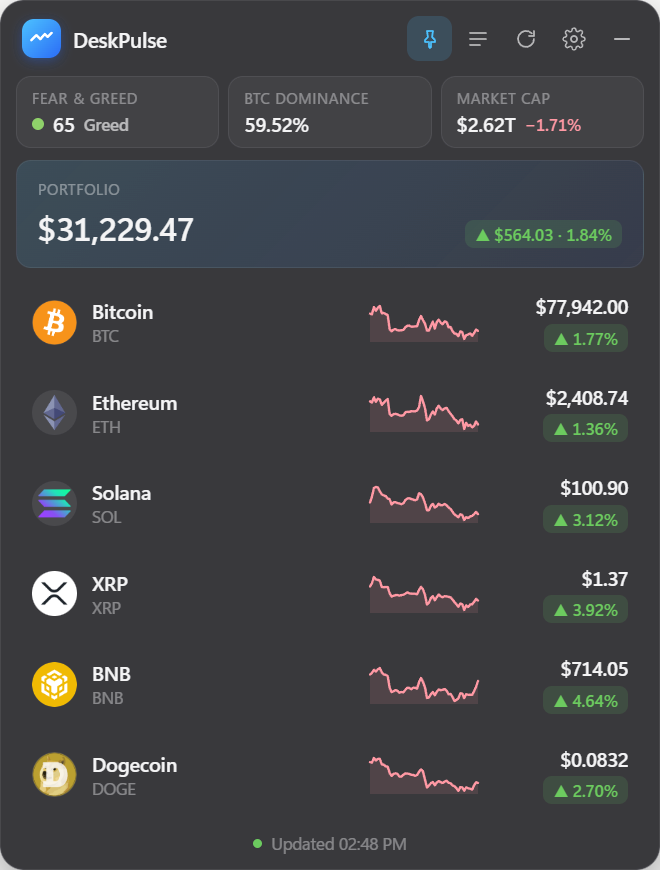
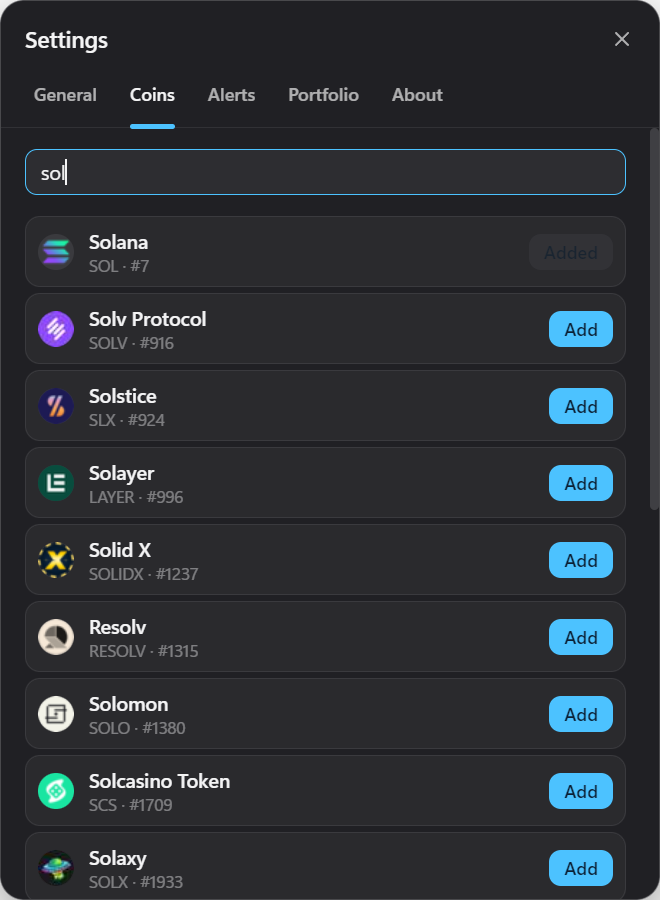
Any asset listed on CoinGecko — more than 15,000 coins and tokens. Search by name or ticker inside the widget and add it with one click.
Does it collect any data?
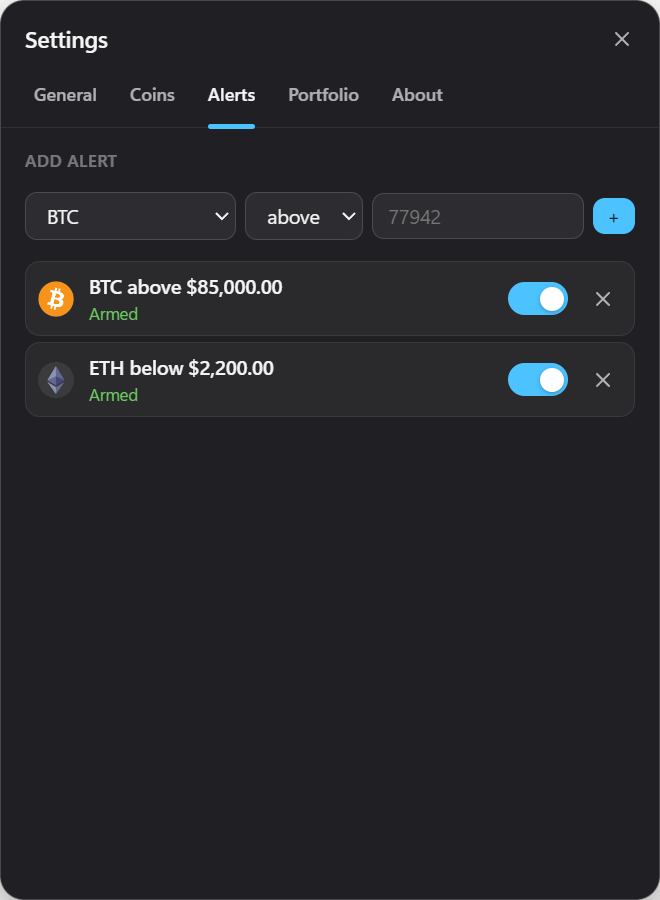
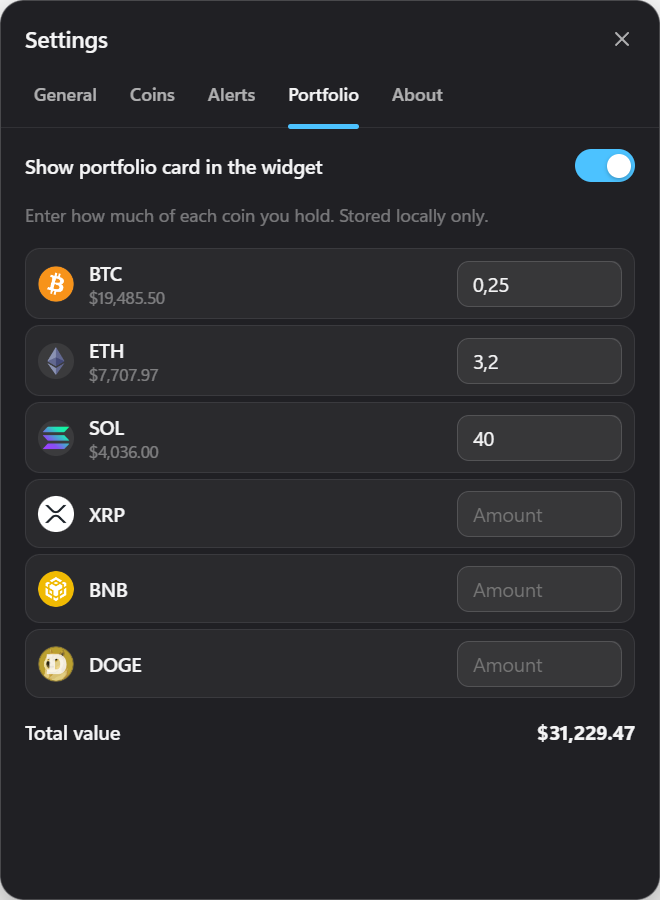
No. There is no account, no telemetry and no analytics in the app. Your coin list, alerts and portfolio amounts are stored in a local settings file on your computer and are removed when you uninstall.
What are the system requirements?
Windows 10 or Windows 11, 64‑bit. The installer is about 80 MB, needs no drivers or browser extensions, and a per-user install does not require administrator rights.
Can I show prices in my local currency?
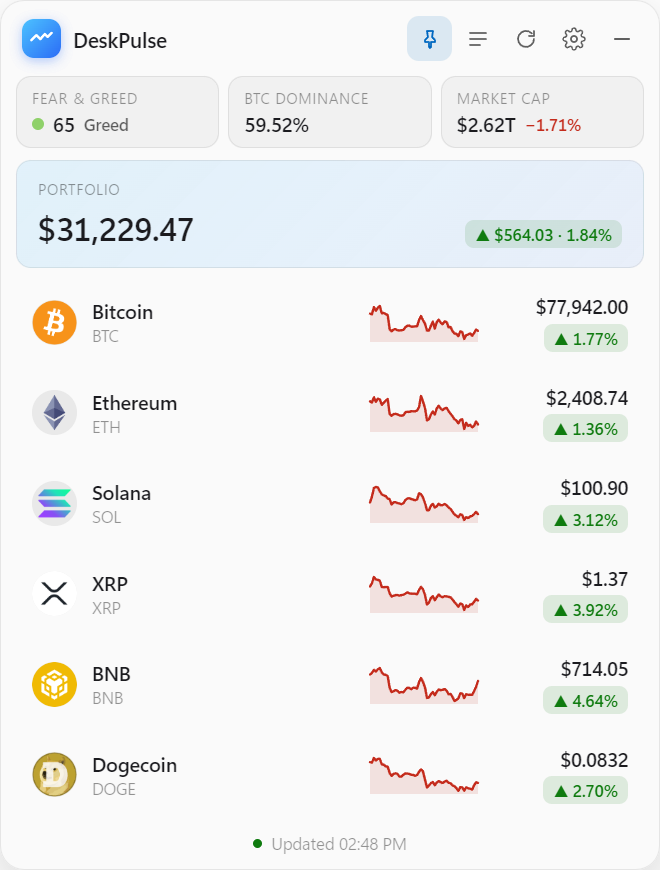
Yes. Pick USD, EUR, GBP, RUB, UAH, TRY, KZT, PLN, CNY, JPY, INR or BRL, or quote everything in BTC or ETH.
Why does Windows SmartScreen warn me on first launch?
DeskPulse is a small open-source project without a paid code-signing certificate, so SmartScreen shows its generic “unrecognized app” notice. Click “More info → Run anyway”. You can verify the file yourself: the source and every release are public on GitHub.
How often do prices update?
You choose: every 10, 15 or 30 seconds, every minute or every 5 minutes. CoinGecko refreshes its free data roughly once a minute, so 30–60 seconds is the sweet spot. If the provider rate-limits, DeskPulse slows down by itself and keeps showing the last prices.
 DeskPulse